Order Management That Stays Fast
Create, update, and complete orders quickly with clean status flow and complete transaction history.
Run order operations, invoices, customer history, marketplace visibility, live chat, and campaign email from one connected platform.
Core operations come first: orders, invoices, customers, and analytics. Expansion modules unlock chat, marketplace, and campaign growth.
Platform Modules
Create, update, and complete orders quickly with clean status flow and complete transaction history.
Generate customer-ready invoice and receipt records directly from operations without extra tools.
Keep customer details tied to orders so your team can follow context and serve repeat buyers better.
Understand trends across sales activity and business performance to make confident decisions.
Growth Modules
Keep your operations clean today, and add advanced channels as your team and customer volume grow.
Marketplace Profile
Publish showcases and attract discovery traffic.
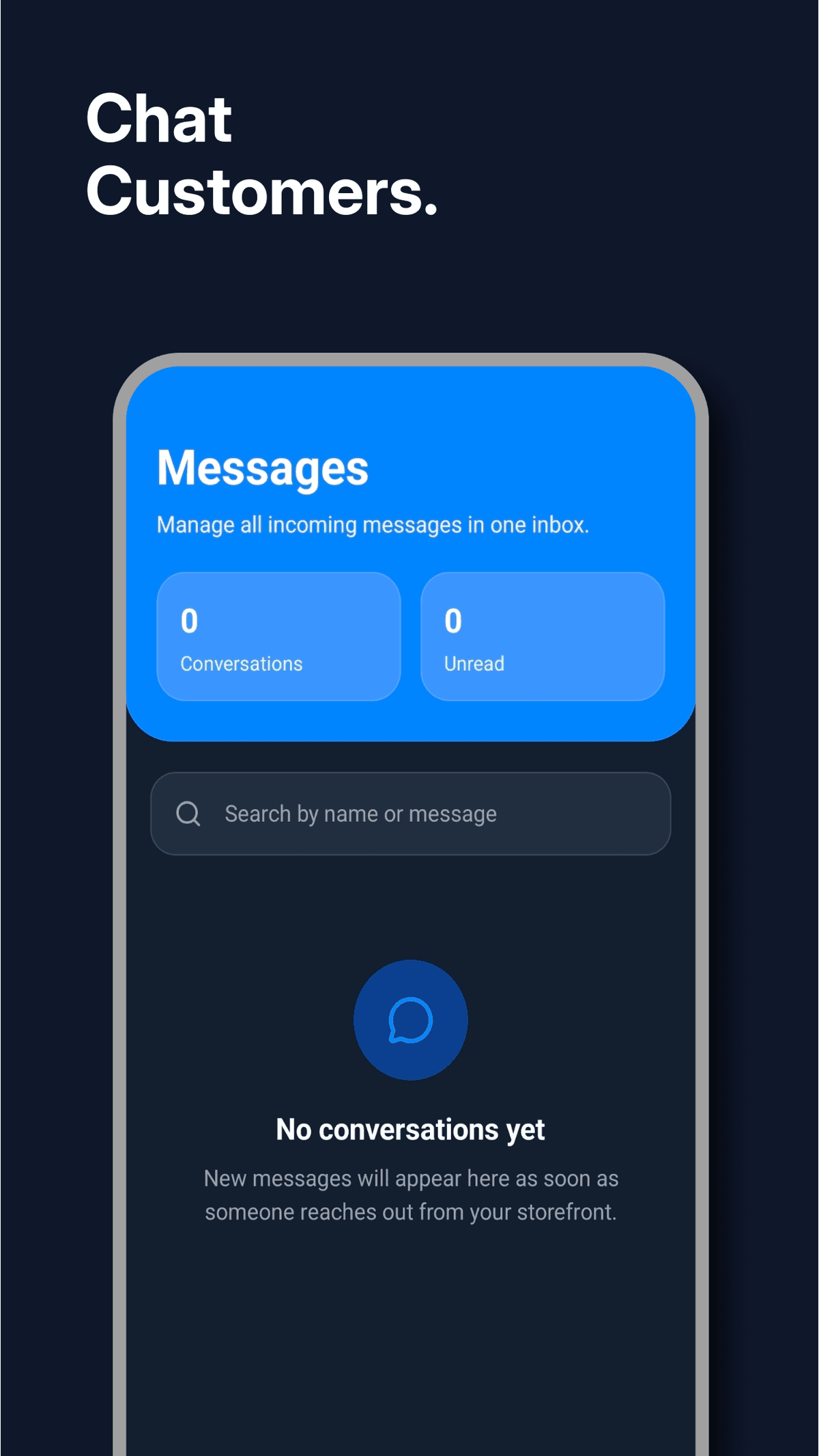
Client Chat
Move leads to orders in real-time conversations.
Marketing Campaigns
Run lifecycle and event-driven email outreach.
Deliverability Controls
Protect sender reputation with built-in safeguards.
Growth Analytics
Track what channels and actions compound growth.
Modular Platform Expansion
Turn features on as you grow without changing stack.
Browse products and services, review full business information, check social links and websites, save options, and chat directly before deciding.
Marketplace Journey
Open the Marketplace
Visit the market feed to discover active businesses, offers, services, and showcase posts.
Browse and Compare
Review product photos, pricing, service details, and complete business profile information before deciding.
Save What You Like
Bookmark interesting showcases so you can come back later and compare options side by side.
Chat Before You Buy
Start a direct conversation with a business to ask questions, confirm availability, and place orders confidently.
Why It Works for Buyers
Business Profiles
See who you are buying from through their marketplace profile and showcase history.
Website and Contact Access
Open a business website and contact channels directly from marketplace profile information.
Social Platform Access
Jump to available social profiles like Instagram, Facebook, and other linked platforms from the business page.
Safer In-Platform Communication
Conversations happen within Shmorder so requests and context stay organized.
From recording your first order to running automated campaigns — here is everything the app does for your business.
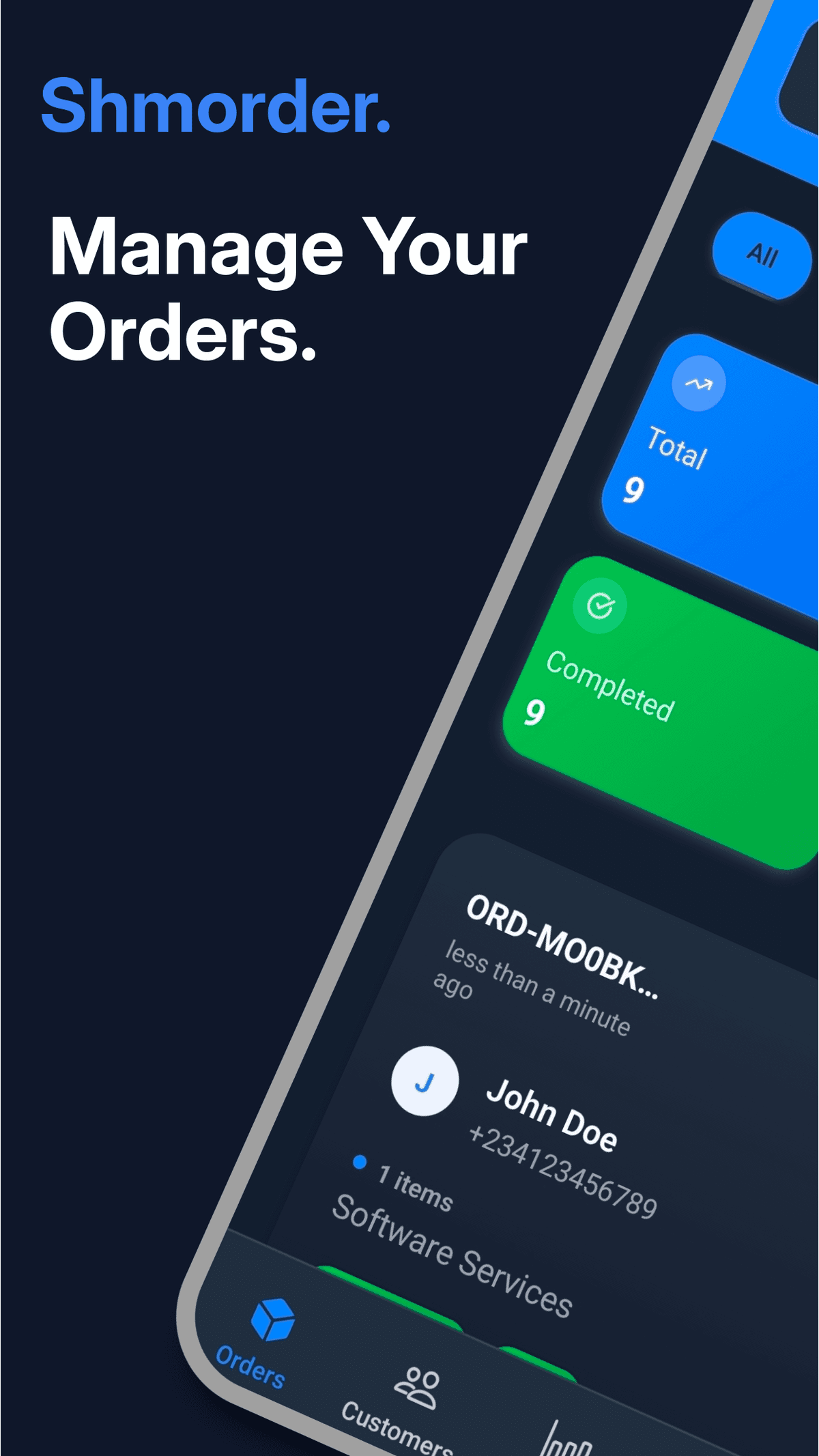
Create a new order by entering customer details, adding order items, setting quantities and prices, and choosing a status. Both customer names and product names auto-suggest as you type, saving time on repeat orders.
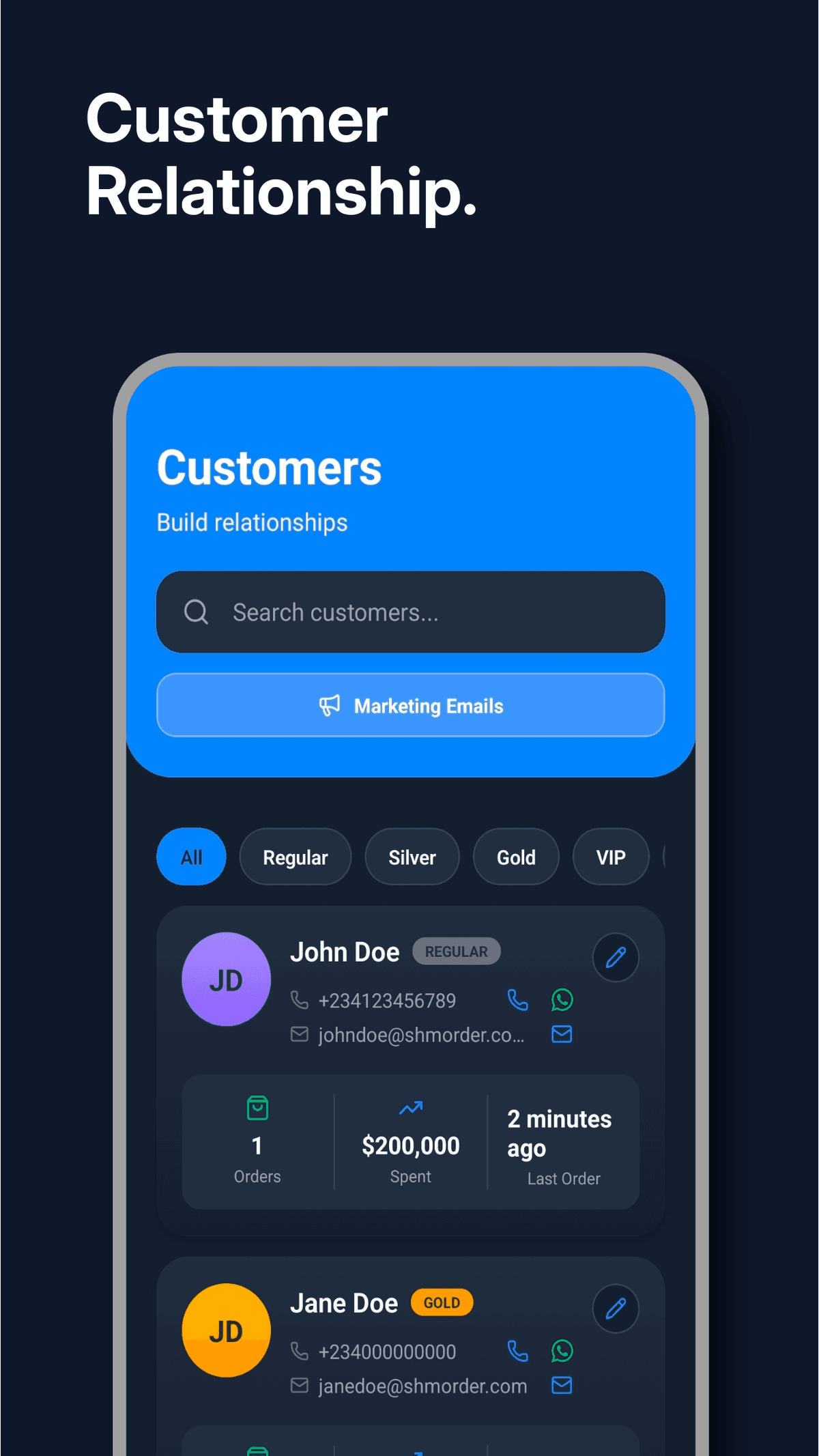
Every order automatically captures the customer's name, phone, and email. You can then open their profile to fill in their birthday, timezone, and email opt-in preference. These are the details that power your marketing campaigns.
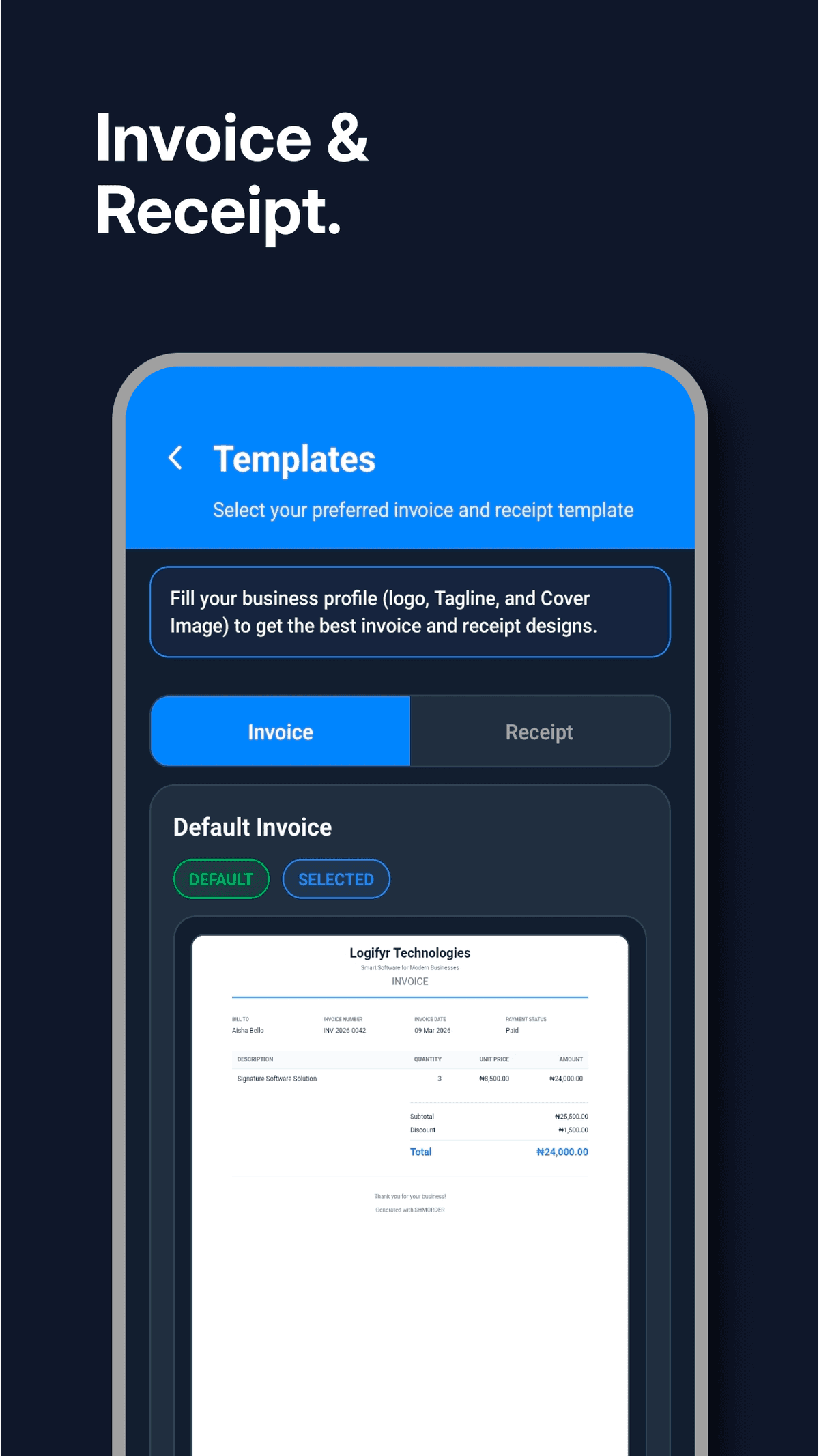
From any order, generate a professional invoice or receipt with one tap. Choose from your saved templates or use the default, and share the PDF directly with the customer via any app on your phone.
Personalise the look of your invoices and receipts from the settings section. Pick a template that fits your brand, set it as your default, and every document generated will use it automatically.
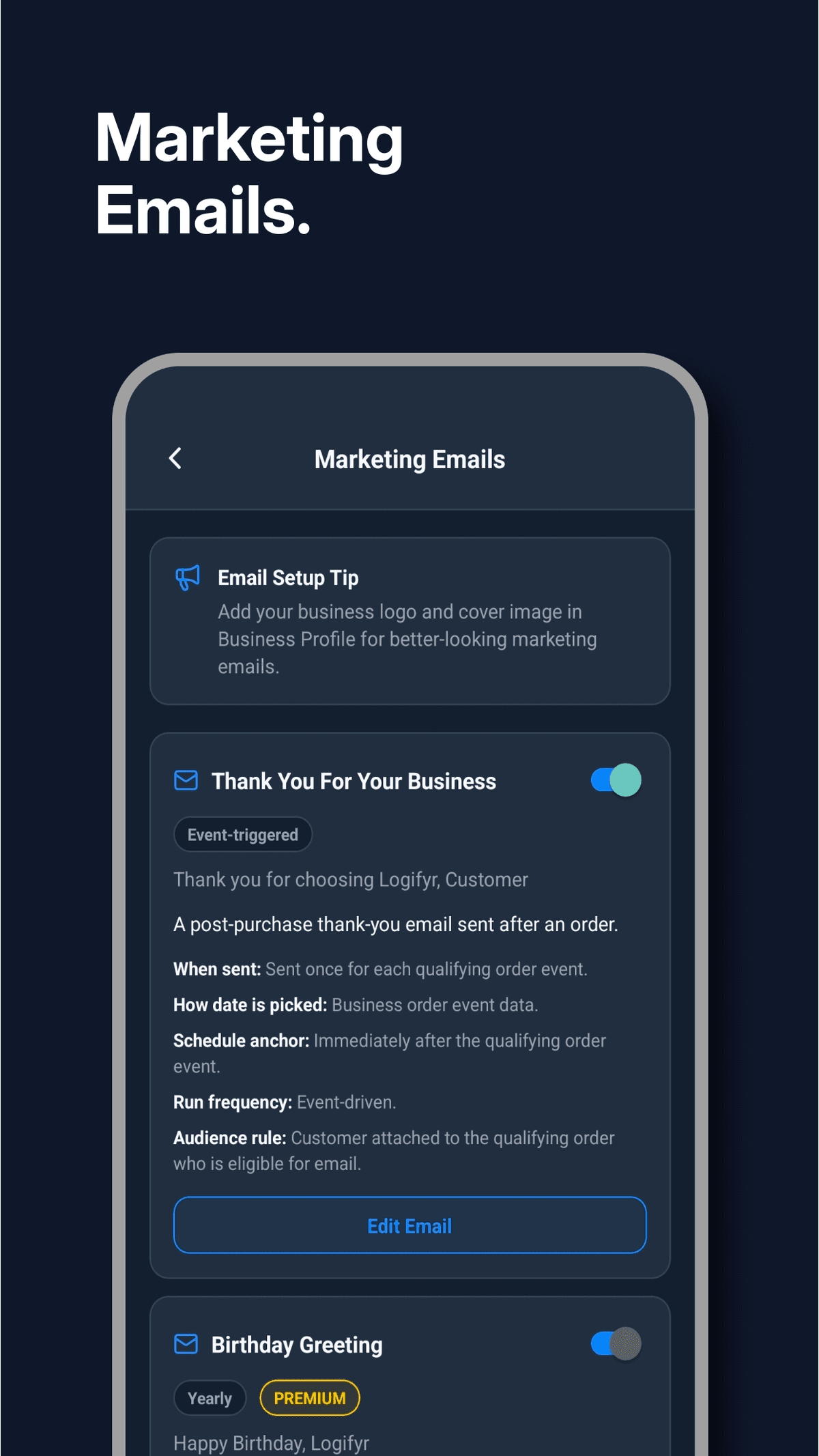
Activate pre-built campaigns like birthday wishes, win-back messages, and seasonal promotions. Shmorder uses the birthday and timezone data you've saved on customers to send the right message at exactly the right time, automatically.
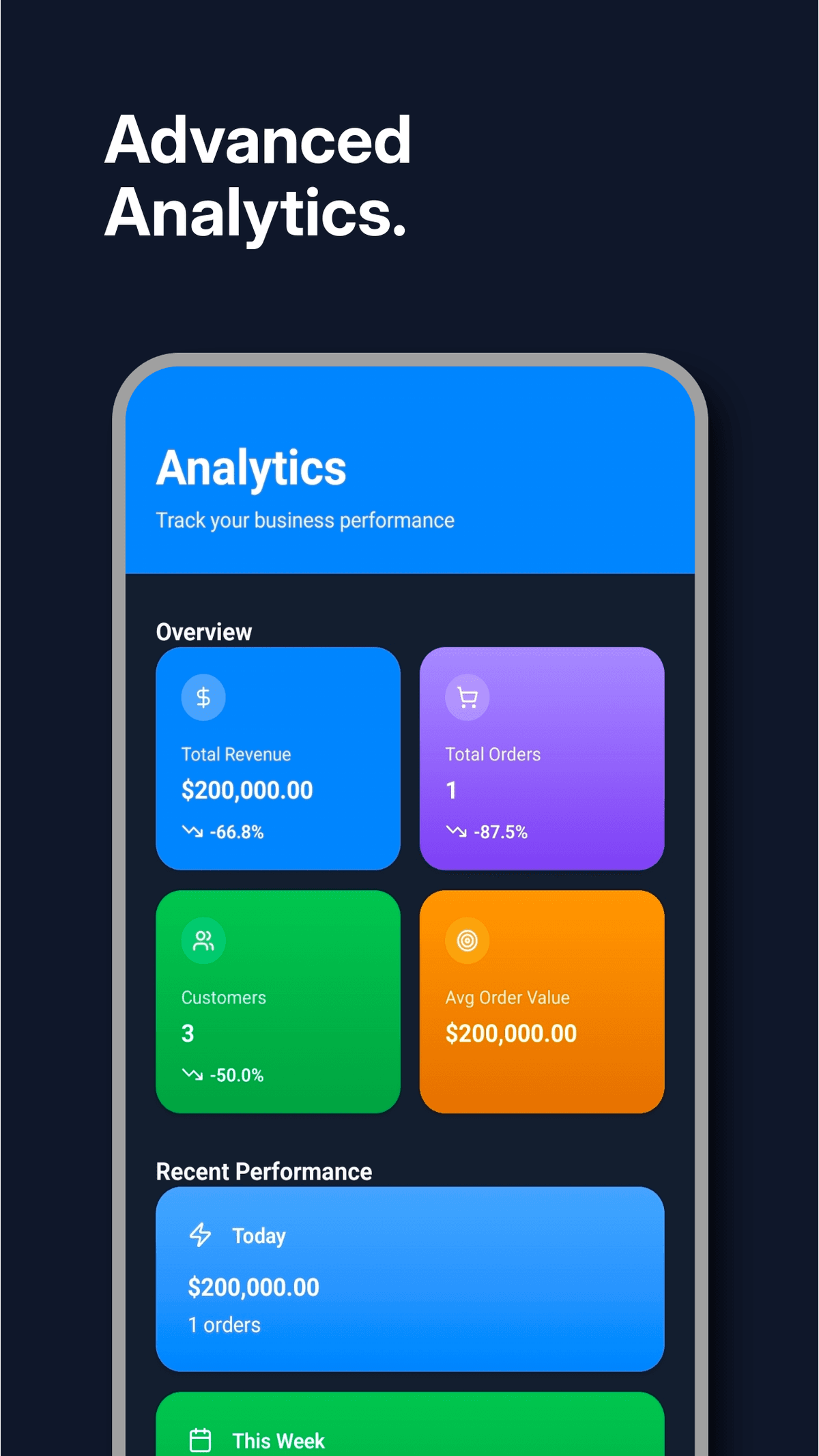
Your analytics dashboard shows total revenue, order counts, top customers, peak order hours, payment breakdown, and month-over-month growth. You always know exactly where your business stands.
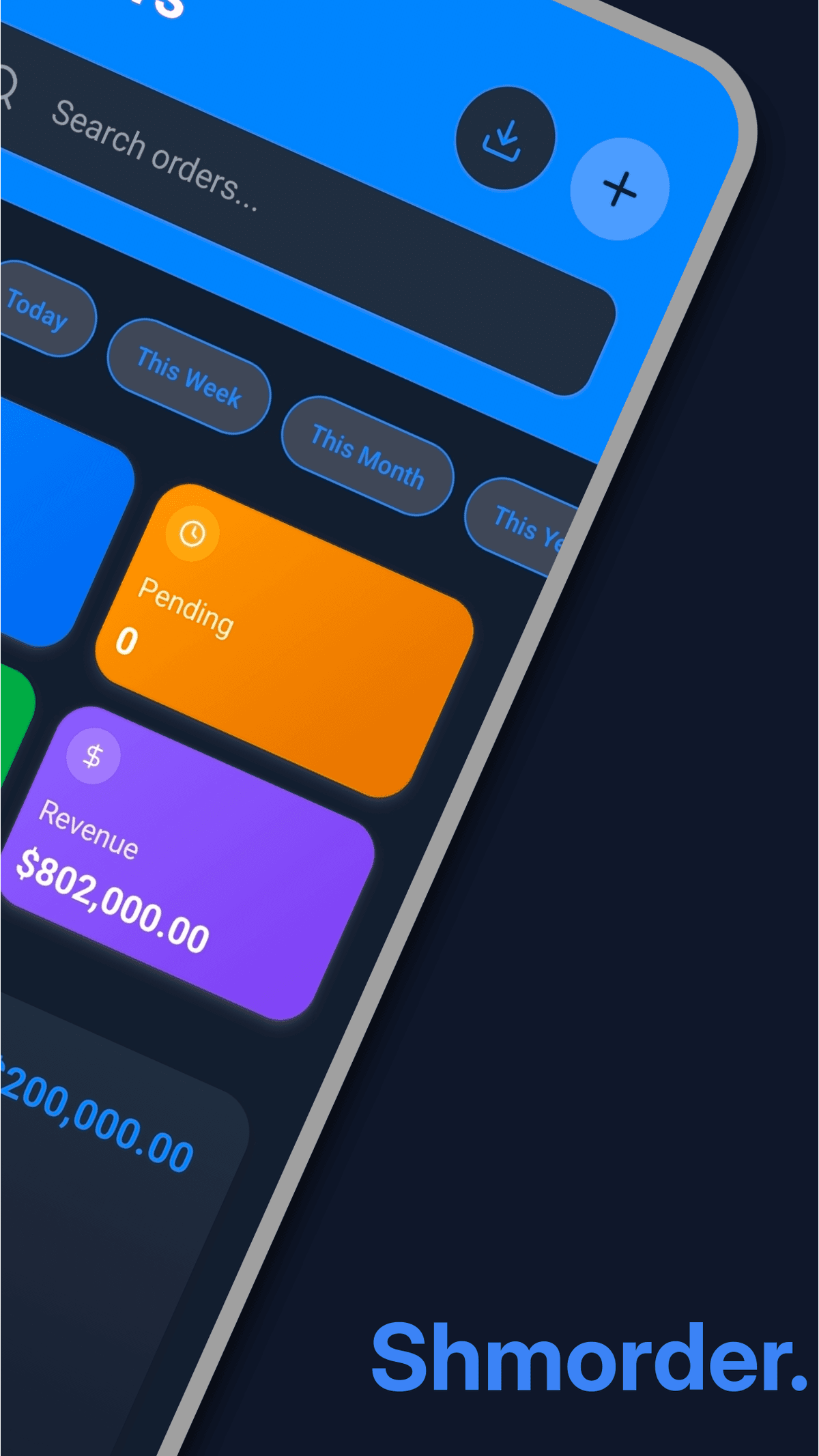
Every screen built to keep your business moving fast.
Start free, upgrade when you're ready. No hidden fees.
Perfect to get started
For growing businesses
Secure billing through Apple App Store and Google Play • Cancel anytime
Feedback from merchants running daily operations and growth with Shmorder.
4.9/5
Average Rating
Orders
Operations Focus
Chat
Client Conversion
Campaigns
Lifecycle Growth
Shmorder has made managing my phone and accessories orders so simple. I can track everything and even send invoices to customers quickly.
I can now keep track of all my orders from different customers and even share my business profile link on WhatsApp. Sales have gone up!
Managing orders on the move is now easy. I can see what’s selling fastest and plan my daily menu better.
The business profile feature is amazing. I can share it with my clients and they book services directly. Saves me so much time!
Exporting sales and customer data to Excel helps me keep my business organized. I also use the analytics to see which products are trending.
I use Shmorder to track orders from my WhatsApp ads. The customer database keeps everything in one place, which is a lifesaver.
Quick answers about operations, billing, access, and support.
Tap the "+" button on the orders screen. Enter customer details (name, phone, address), add items with prices, select payment method (Cash, Card, Transfer), and choose payment status (Paid, Unpaid, Partial). Tap Save to create the order.
Yes! Each order has a status that you can update: Pending, Processing, Completed, or Cancelled. Open an order and tap the status badge to change it. The status color updates automatically to help you track your workflow.
Customers are automatically created when you make an order. View all customers in the Customers section to see their order history, total orders, total spent, and contact details. You can also see their last order date.
The Analytics screen shows: Total Revenue, Total Orders, Average Order Value, and Top Customers. Premium users get additional insights like Revenue Chart (7/30/90 days), Peak Hours analysis, Top Customers list, and Performance Metrics with growth trends.
Use the search bar at the top of Orders or Customers screen. Search orders by order number, customer name, or status. Search customers by name or phone number. Results update in real-time as you type.
Go to Profile > Edit Profile. To change email: tap "Change Email", verify with code sent to new email, and confirm with password. To change password: tap "Change Password", enter current password, then new password twice.
On the login screen, tap "Forgot Password". Enter your email and we'll send a reset link. Click the link in your email, create a new password, and you're back in! For security, all other devices will be logged out.
Yes! For orders: open the order and tap the delete (trash) icon in the top right. For customers: this feature is coming soon. Currently, customers remain in your database for record-keeping.
You can create new orders, view cached orders, and customers offline. However, syncing data, and accessing analytics requires an internet connection. Your data syncs automatically when you're back online.
Yes! All data is encrypted in transit and at rest using industry-standard security. Passwords are hashed with bcrypt. We use JWT tokens for authentication. Your data is stored securely in the cloud and we never share it with third parties.
Tap Profile > Help & Support to email us at support@shmorder.com. You can also find us in the app footer. Premium users get priority support with faster response times (usually within 24 hours).
Still have questions?
Contact our support team→Install the live mobile app from the App Store or Google Play and start managing orders, customer history, and business growth from one place.